









Hardware Review

Why You Actually Need This
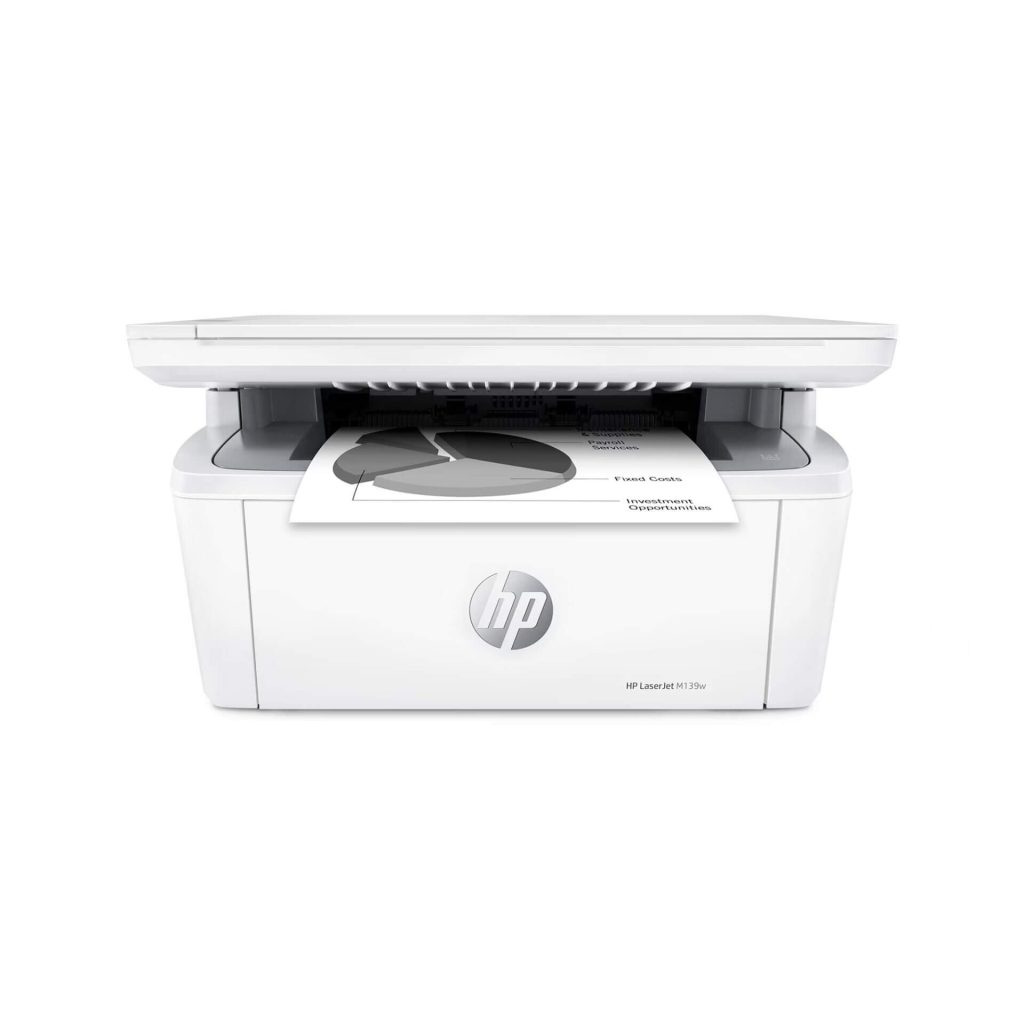
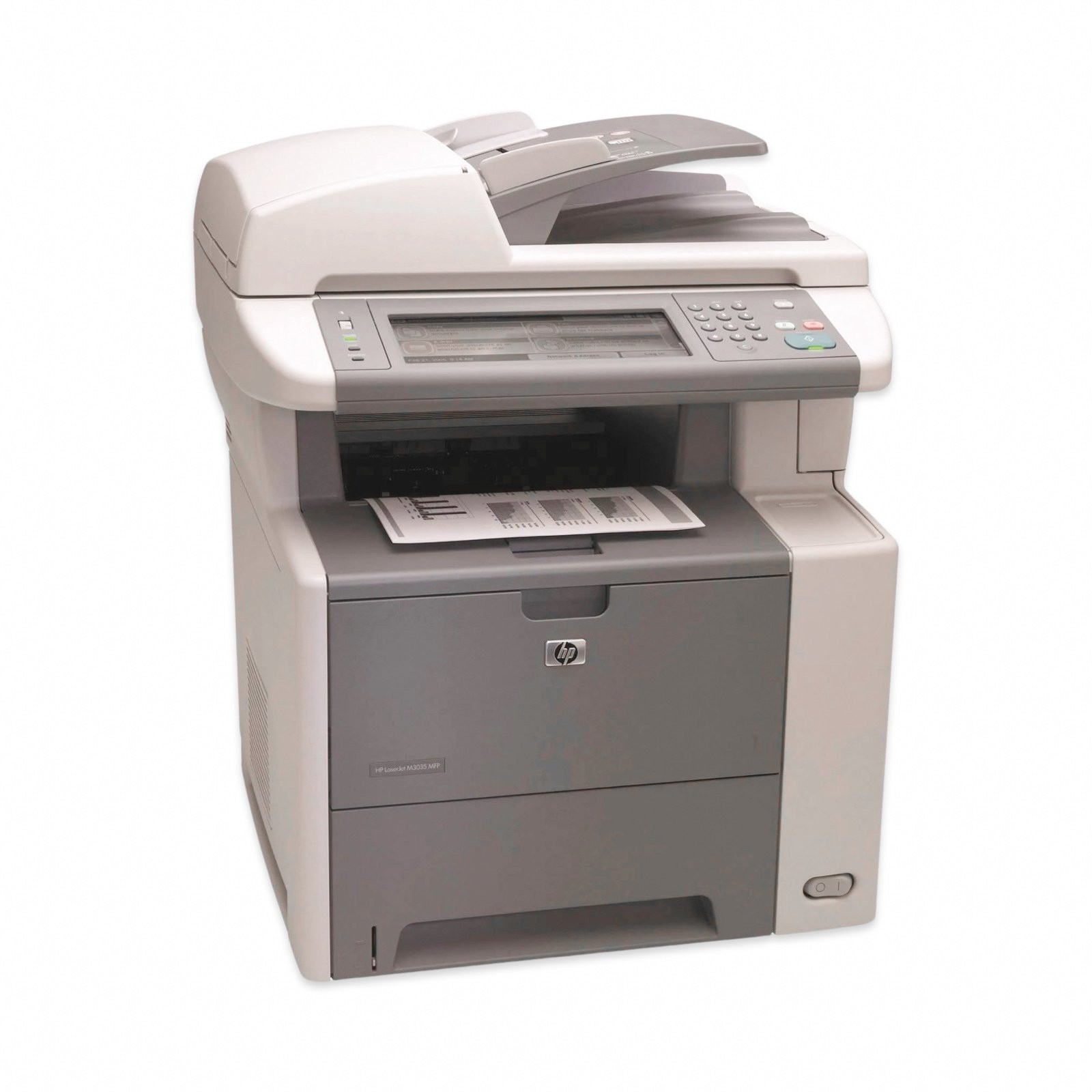
In many Pakistani small‑to‑medium enterprises the daily workflow revolves around crisp, legible documents that must be produced quickly and without the hassle of frequent toner replacements. The HP LaserJet M3035 MFP Monochrome Printer CC476A answers that need with a blend of speed, reliability, and cost‑efficiency that few ink‑jet alternatives can match. At a print speed of up to 30 pages per minute, a single office worker can finish a 100‑page report in just over three minutes, freeing up valuable time for client calls, data analysis, or strategic planning. The machine’s built‑in scanner and copier functions mean that you no longer need separate devices for each task; a single button press can produce a high‑resolution scan (up to 600 dpi) that is instantly saved to a network folder or emailed directly from the printer’s control panel. This consolidation reduces desk clutter, cuts down on maintenance contracts for multiple devices, and simplifies the IT inventory—an especially important consideration for businesses operating on tight budgets in Karachi, Lahore, or Islamabad.
Another compelling reason to adopt the M3035 is its exceptionally low cost per page. The laser technology used in this HP model ensures that each black‑and‑white page consumes only a fraction of the toner compared with older laser models or high‑capacity ink‑jet cartridges. For a typical office that prints 5,000 pages a month, the savings can easily exceed PKR 30,000 annually, a figure that quickly offsets the upfront price of PKR 221,597. Moreover, HP’s high‑yield toner cartridges for the M3035 are designed to last up to 12,000 pages, meaning you’ll replace the cartridge only a few times a year. This reduces both the frequency of ordering supplies and the downtime associated with cartridge changes, keeping your production line moving smoothly even during peak periods such as tax season or end‑of‑quarter reporting.
Security is a growing concern for Pakistani businesses that handle sensitive financial data, client contracts, or personal information. The M3035 integrates HP’s secure printing protocols, allowing you to set up user authentication via PIN codes or proximity cards. This ensures that confidential documents are not left unattended on the output tray, a common vulnerability in shared office environments. Additionally, the printer supports encrypted network communication (TLS/SSL), which protects data as it travels between the device and your corporate servers. For organizations that must comply with local data protection regulations or international standards such as ISO 27001, these built‑in security features provide peace of mind without the need for expensive third‑party solutions.
Finally, the M3035’s robust construction is specifically engineered for the demanding conditions often found in Pakistani offices. Its metal chassis, reinforced paper path, and high‑capacity 250‑sheet input tray (expandable to 500 sheets with an optional feeder) mean the printer can handle large print jobs without paper jams—a common frustration with cheaper consumer models. The device also includes an automatic duplex unit that prints on both sides of the paper by default, dramatically reducing paper consumption by up to 50 %. In a country where paper costs are rising and environmental awareness is increasing, this feature not only saves money but also aligns your business with sustainable practices, enhancing your corporate image among clients and partners.
Dealing with Everyday Scenarios
Pakistan’s climate can be unforgiving for office equipment, especially during the scorching summer months when temperatures in cities like Multan or Faisalabad routinely exceed 40 °C. The HP LaserJet M3035 is built with an internal cooling system that maintains optimal operating temperatures even when ambient conditions are extreme. Its high‑efficiency fan and heat‑dissipating heat sink work together to keep the laser engine at a stable temperature, preventing overheating that could otherwise cause print quality degradation or sudden shutdowns. This means you can rely on consistent performance throughout the day, whether your office is air‑conditioned or operating with natural ventilation.
Dust is another pervasive challenge in many Pakistani workplaces, particularly in industrial zones or older buildings where ventilation systems are not sealed. The M3035 incorporates a sealed toner cartridge and a dust‑resistant paper feed mechanism that minimizes the ingress of particulate matter. The printer’s internal filters capture fine dust before it reaches the laser drum, extending the life of critical components and preserving print sharpness. Regular cleaning of the exterior and occasional filter replacement (a task that takes less than five minutes) keep the machine running smoothly, reducing the likelihood of costly service calls.
Power fluctuations are a daily reality across much of the country, with brownouts and voltage spikes threatening electronic devices. To mitigate this risk, the M3035 is equipped with an internal voltage regulator and surge protection circuitry that can tolerate brief power dips without corrupting print jobs or damaging internal electronics. While a dedicated UPS is still recommended for mission‑critical environments, the printer’s resilience means that a short outage will not result in a paper jam, toner waste, or a corrupted firmware update. This robustness translates into lower maintenance costs and fewer interruptions during critical periods such as end‑of‑month invoicing.
Reliability in a high‑volume setting is non‑negotiable, and the M3035 delivers with a rated monthly duty cycle of 100,000 pages. Even if your office pushes the printer to its limits during a busy audit season, the device’s laser engine is designed to handle continuous operation without overheating or excessive wear. The automatic duplexing feature also reduces the number of paper trays you need to refill, meaning fewer interruptions for staff who would otherwise spend valuable minutes loading fresh paper. Combined with the printer’s easy‑to‑navigate 2‑line LCD display and intuitive control panel, even a non‑technical employee can troubleshoot minor issues—like clearing a jam or adjusting print settings—without calling IT support.
The Good and The Bad
- Pros:
- Fast monochrome printing at 30 ppm ensures high productivity.
- All‑in‑one functionality (print, scan, copy) reduces equipment footprint.
- Low cost per page with high‑yield toner cartridges (up to 12,000 pages).
- Secure printing options (PIN, proximity card) protect confidential documents.
- Automatic duplex printing cuts paper usage by up to 50 %.
- Robust metal chassis and reinforced paper path minimize jams.
- Built‑in surge protection and voltage regulation handle power fluctuations.
- Expandable paper capacity (250 → 500 sheets) suits larger workloads.
- Compact footprint fits well in small office spaces.
- HP’s worldwide support network provides easy access to service and parts.
- Cons:
- No built‑in Wi‑Fi; requires Ethernet or USB connection for network printing.
- Monochrome only—cannot produce color documents or graphics.
- Initial purchase price (PKR 221,597) may be high for very small businesses.
- Heavy (≈ 20 kg) compared with lightweight ink‑jet alternatives.
- Limited advanced finishing options (no stapling or booklet making).
📚 Related Articles
Final Thoughts
If your organization’s primary printing needs revolve around text‑heavy documents—contracts, invoices, reports, or legal paperwork—the HP LaserJet M3035 MFP Monochrome Printer CC476A offers a compelling mix of speed, reliability, and cost efficiency that is hard to beat in the Pakistani market. Its ability to handle high‑volume workloads while maintaining crisp, professional output makes it a solid investment for businesses that cannot afford downtime or frequent cartridge changes. The integrated security features also future‑proof your operations against growing data‑privacy concerns, ensuring that confidential information stays protected from the moment it leaves the keyboard.
However, it is essential to weigh the lack of wireless connectivity against your office’s network infrastructure. If you rely heavily on mobile printing or need to support a BYOD (bring‑your‑own‑device) environment, you may need to purchase an external wireless print server or upgrade to a model with built‑in Wi‑Fi. For most traditional office setups where a wired Ethernet network is already in place, this limitation is negligible, especially when balanced against the printer’s robust construction and low operating costs.
In summary, the HP LaserJet M3035 MFP delivers the performance and durability required by Pakistani businesses that demand consistent, high‑quality monochrome output. Its price point of PKR 221,597 is justified by the long‑term savings on toner, reduced paper consumption, and minimal maintenance. For any office looking to streamline its document workflow, improve security, and stay resilient against local environmental challenges, this printer is a worthy addition to the workplace arsenal. Consider pairing it with a reliable UPS and routine filter cleaning, and you’ll have a printing solution that serves you faithfully for years to come.
🔥 Limited Stock Available in Pakistan
Check Latest HP LaserJet M3035 MFP Monochrome Printer Price →